Battery status in plain words
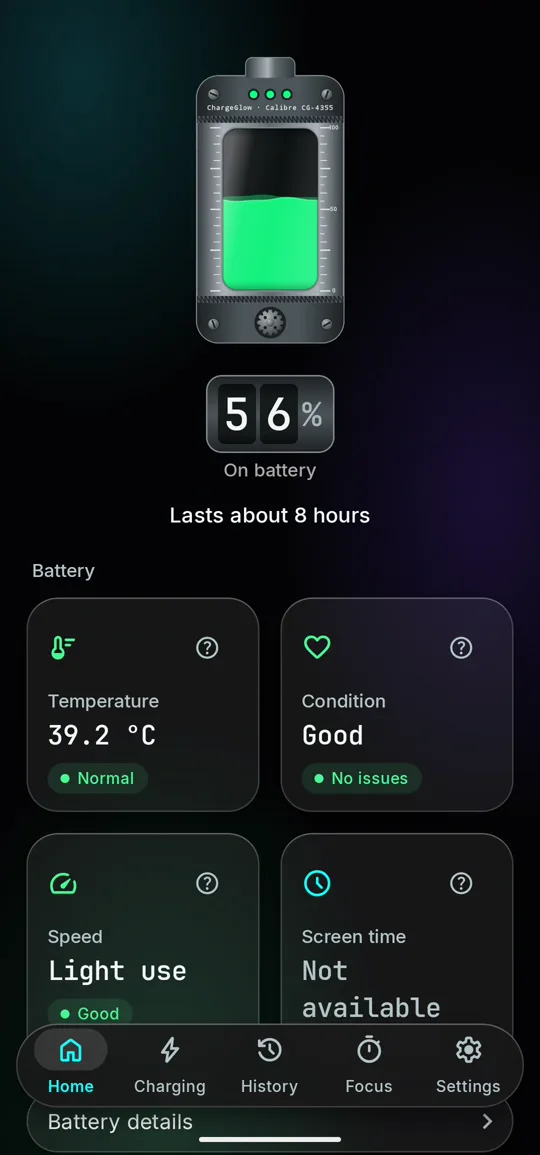
See your level with two decimals, and sentences like “Full in about 25 min” or “Lasts about 6 hours”. Temperature, condition and charging speed at a glance.
Live battery status, smart charge alerts and 3D charging screens, a focus timer and screen time. Your battery data stays on your phone.
Simple by default. Switch on Advanced mode for watts and milliamps.
See your level with two decimals, and sentences like “Full in about 25 min” or “Lasts about 6 hours”. Temperature, condition and charging speed at a glance.
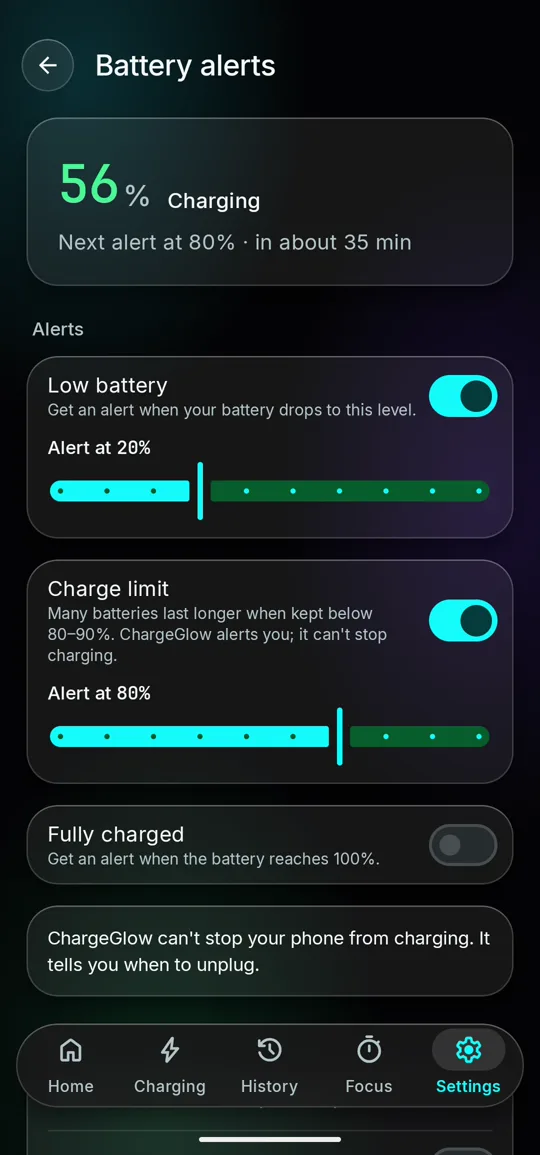
Get a reminder to unplug at 80%, a low-battery warning, and a fully-charged alert. Pick your tone, add a spoken alert, choose how often it repeats.
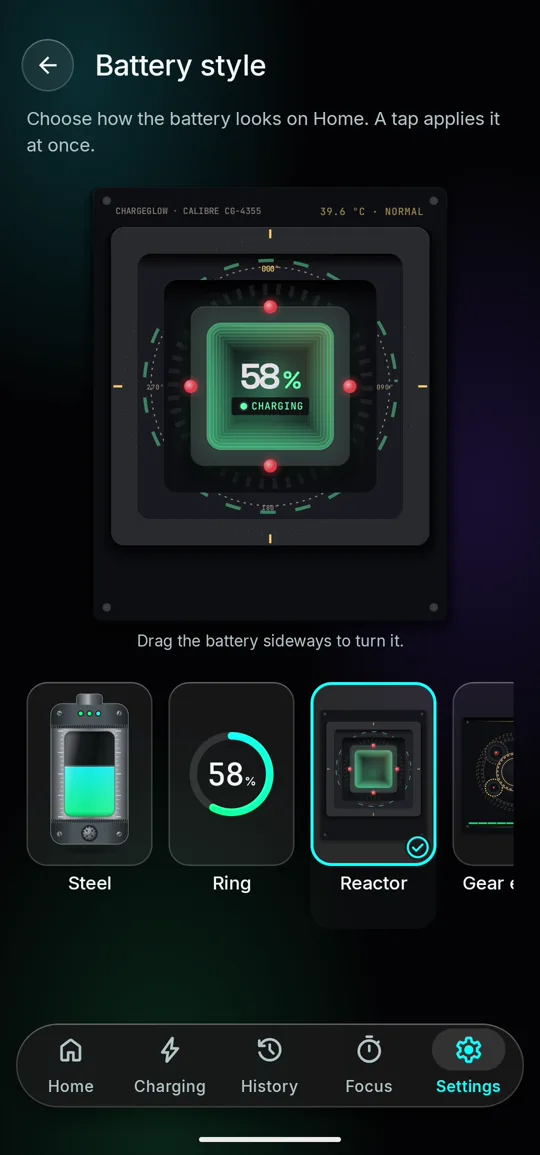
Steel, Reactor, Gear engine, Holographic, Exploded, Liquid and more. Drag to turn them, tilt your phone and watch the liquid move.
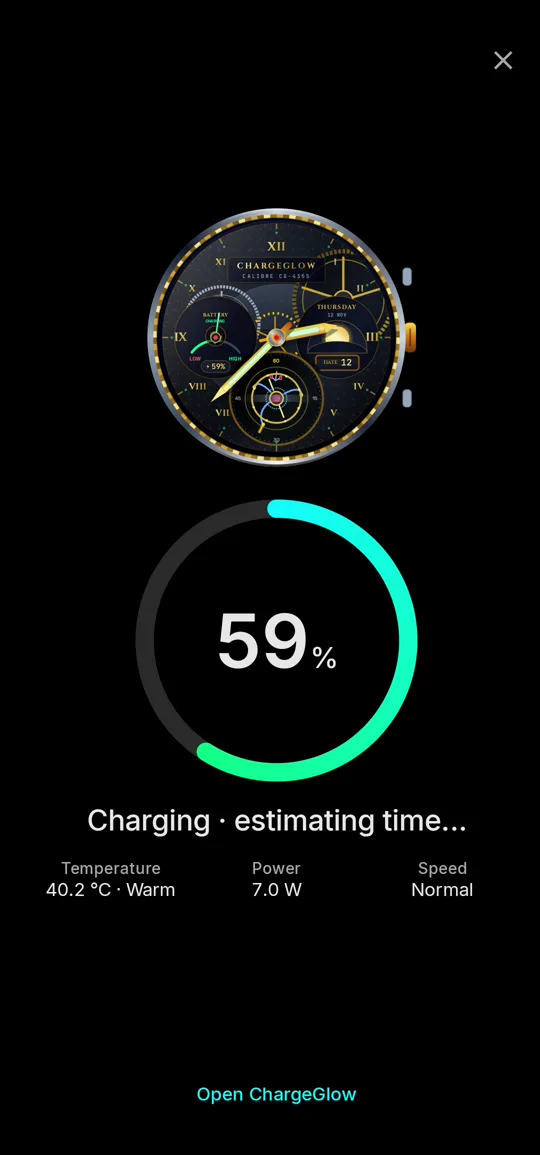
Turn your charging screen into a watch: Grand complication and Skeleton chronograph, plus Decimal charge and a 7-layer Exploded calibre, each unlocked for 24 hours with an optional video ad.
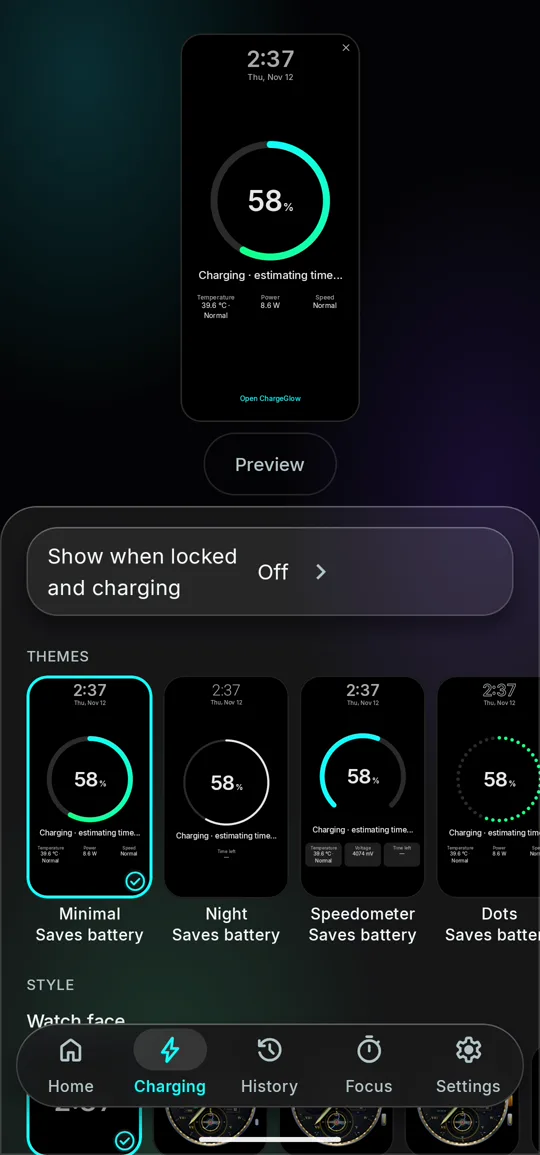
Opens when you plug in, also on the lock screen. 44 themes including Funky face, picture themes, Photo + Glass with your own photo, and your own saved looks. 14 picture themes and part of Fine-tune unlock with an optional video ad. No ads on this screen.
Voltage, current, power and temperature with live graphs, plus battery health and capacity estimated from your own charging sessions.
Start a focus session from the app, a tile or a widget. Build a streak and unlock achievements.
See screen time, pickups and an estimated look at where today’s battery went. Needs Usage access, which you turn on yourself. With it on, that report and the app details open with an optional video ad.
Battery and Focus widgets, Quick Settings tiles, a Standby display and an optional daily report.
Your battery history stays on your phone and is never sent to the ad company. Uninstalling deletes it. The app uses the internet to show ads.
Apps can’t stop a phone from charging. ChargeGlow tells you when to unplug, and points you to your phone’s own charge limit if it has one.
Android doesn’t report battery health or capacity directly. ChargeGlow works them out from your charging sessions and always marks them “Estimated”.
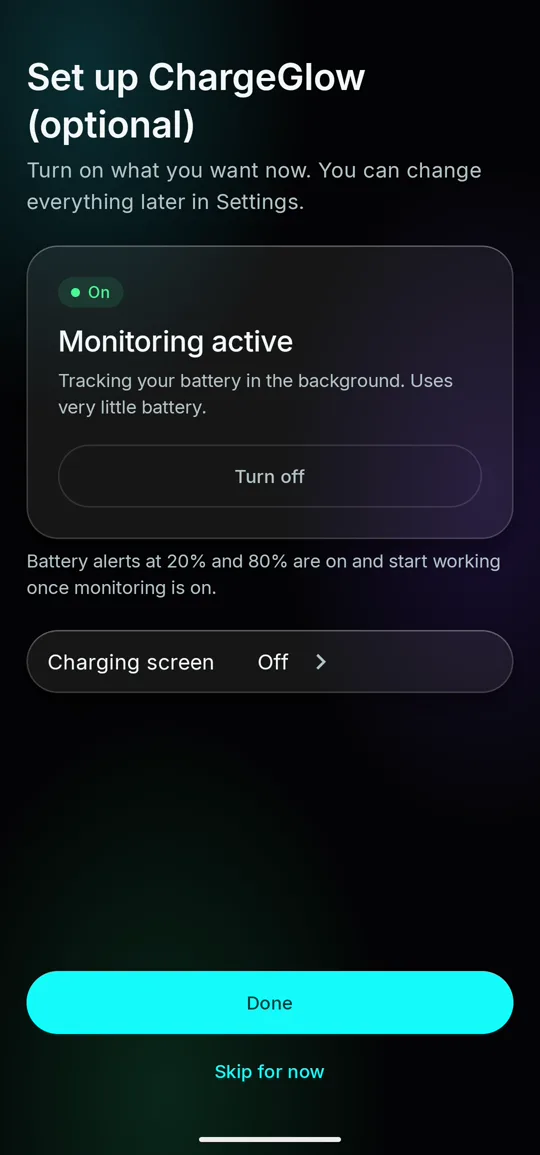
Animations run only while you look at them. In the background it reads the battery every 30 seconds and does nothing else.
Free on Android 8.0 and newer.
Coming soon to Google Play